

- Log into your Dashboard
- Navigate to Inbound -> [Your Domain]
- Click on “Logs”
- Find and select the email in question
- Click the “Report Issue” button
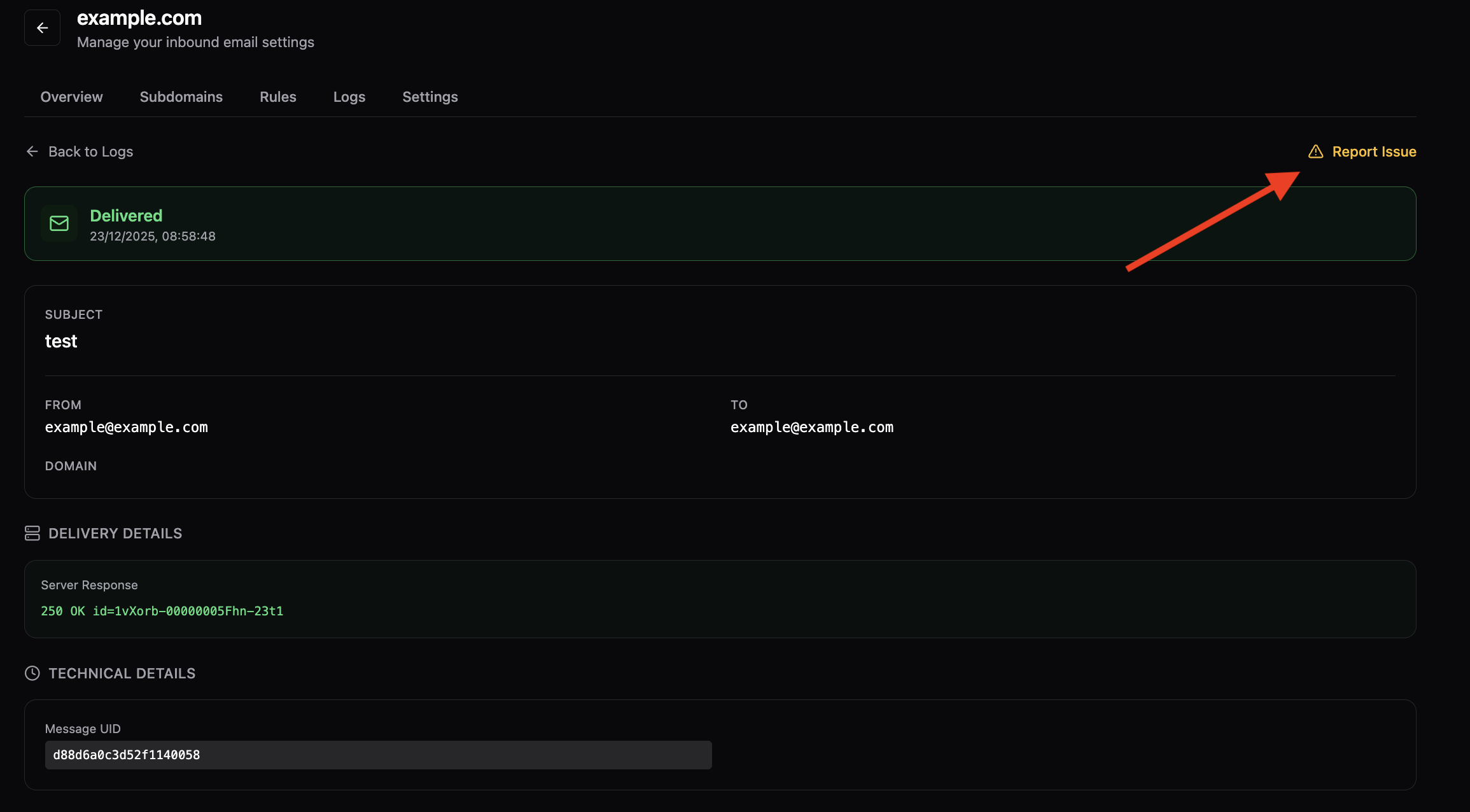 This will open a text box where you can describe the problem you’re experiencing. Provide as much detail as possible to help our team investigate effectively.
Tips for Reporting Issues
- Be specific about the problem (e.g., delivery failure, formatting issues, unexpected behavior)
- Include any error messages you’ve received
- Mention any troubleshooting steps you’ve already taken
- Provide context about when the issue started occurring