Documentation Index

Fetch the complete documentation index at: https://jetemail.com/docs/llms.txt

Use this file to discover all available pages before exploring further.

Delete Domain

To remove a domain from the inbound email system:
  1. Go to Inbound
  2. Click on the domain you want to delete
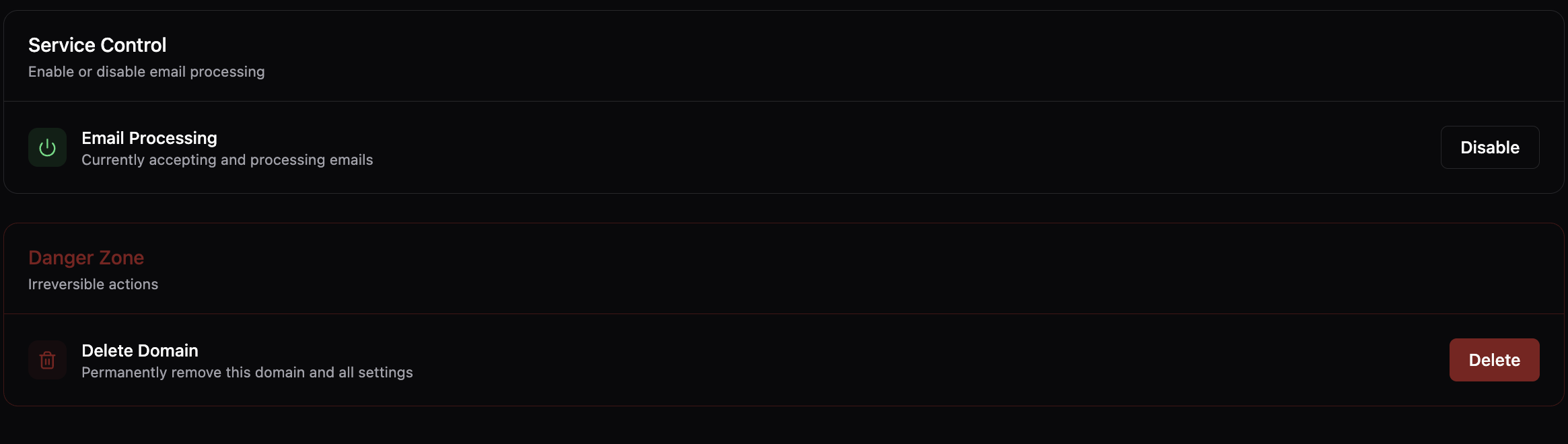
  3. Click Settings and scroll down to the delete section
  4. Click “Delete Domain”
  5. Confirm the deletion
The domain and all associated data will be permanently deleted. Note: This action is irreversible. Ensure you’ve backed up any important data before proceeding. Service Control Section