Domain spoofing poses a serious threat to email integrity and security. This issue arises when attackers impersonate a domain they don’t own, often for malicious purposes like phishing or distributing malware. To counteract domain spoofing, three security measures—DKIM, SPF, and DMARC—operate together on the open internet to authenticate emails and prevent fraudulent activities. These protective layers are effective on the open internet. However, in a closed, multi-tenant email delivery service like JetEmail, where multiple domains use a shared IP space for sending emails, relying solely on SPF to secure your domain against spoofing is inadequate. Domain Lockdown enables you to specify which JetEmail SMTP users are authorized to send emails from your domain by setting your preferences in a DNS TXT record.Documentation Index
Fetch the complete documentation index at: https://jetemail.com/docs/llms.txt
Use this file to discover all available pages before exploring further.
DNS Record
Name: _jm.domain.com TTL: 14400 Value:Finding your UUID
SMTP usernames are no longer exposed in email headers. Instead, each SMTP user is identified by a UUID in theX-JetEmail-User header.
You can find your UUID by looking through the internet / email headers for X-JetEmail-User.
It should look like this:
Authenticating with UUID or username
Domain Lockdown supports both UUIDs and SMTP usernames in theauth field. We recommend using UUIDs as they match the headers and do not expose your username.
Authenticating multiple accounts
You can add multiple auth entries for multiple accounts, for example:Blocked Messages
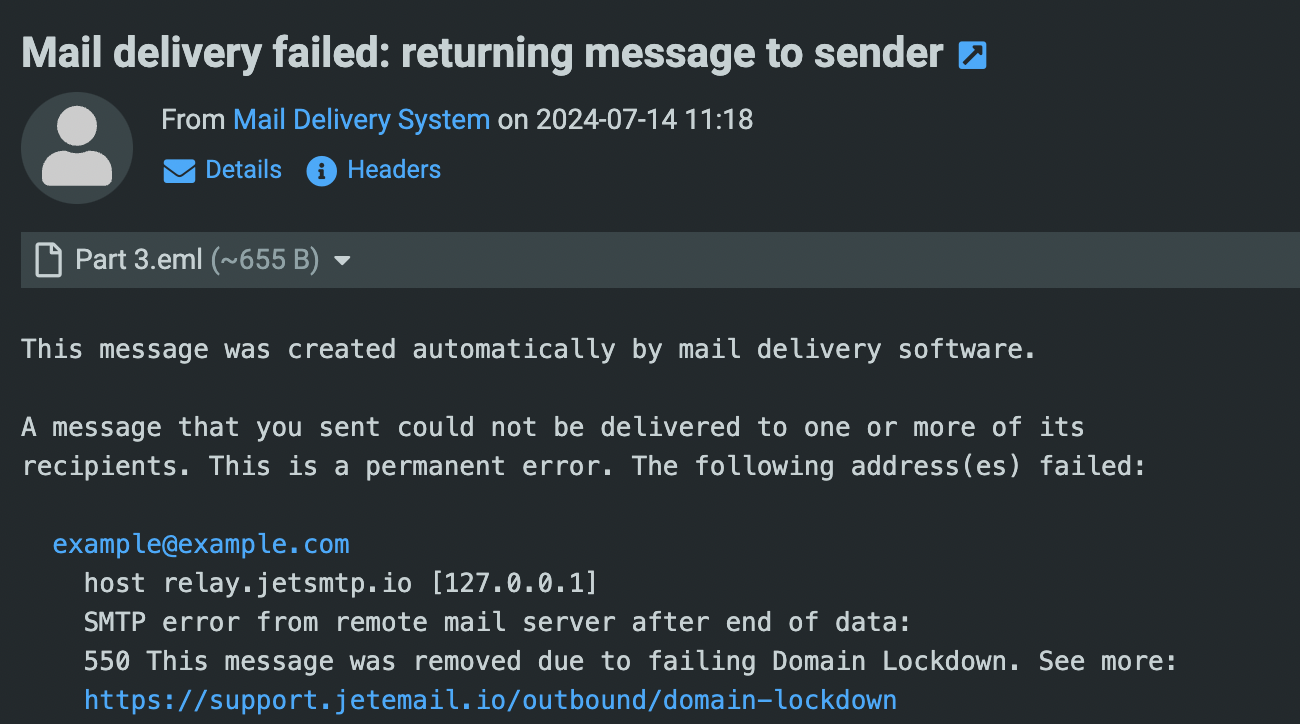
If your message does not authenticate, the mail will bounce with a message similar to this: